Sell in your shop and online from one account.

Vivid Commerce sets businesses up on Shopify and stays your point of contact afterwards. Book a short demo and find out whether it fits the way you sell.

The demo costs nothing and you decide afterwards. We reply from sales@hellovivid.com, a real inbox.

Businesses in the United States and CanadaInc. 5000 honoree

For resellers
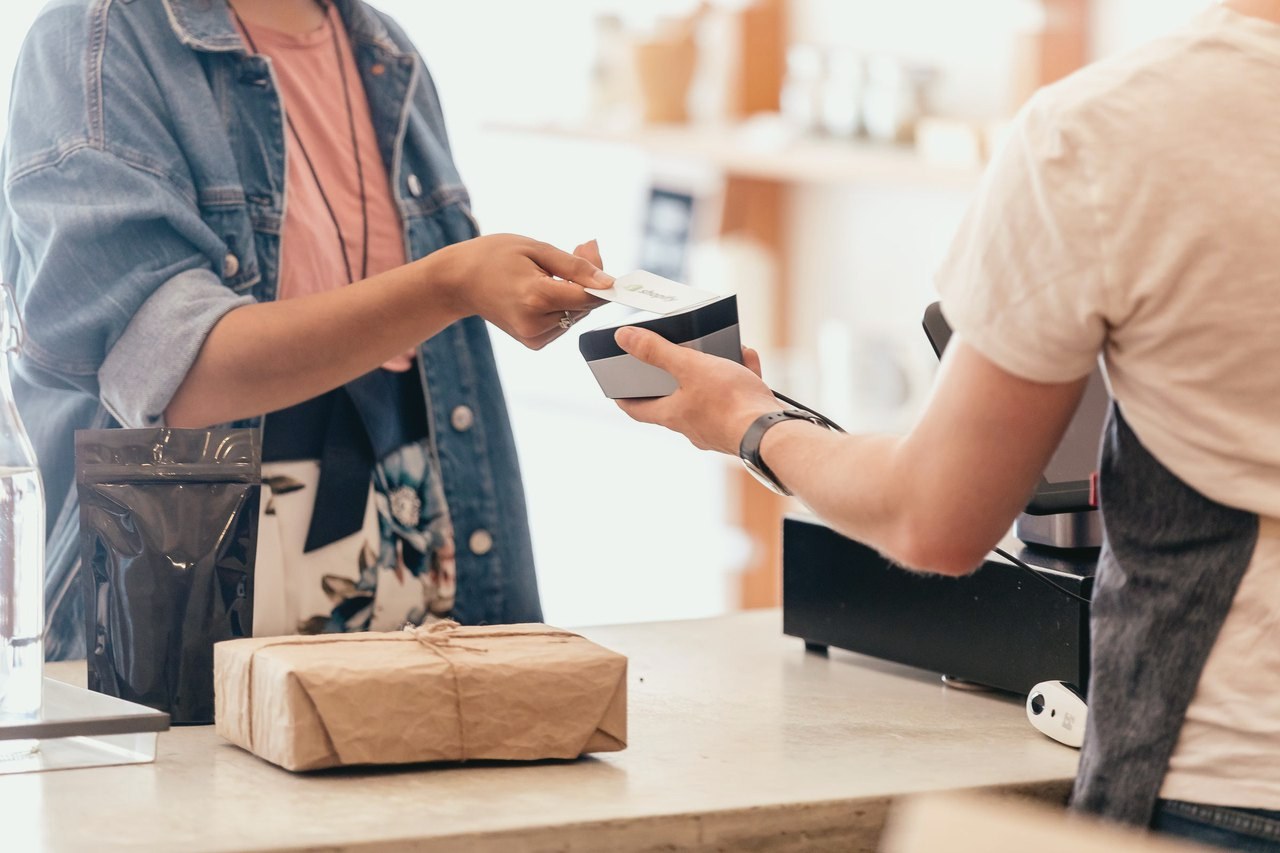

A shop associate holds out a Shopify Tap and Chip Card Reader as a customer pays at the counter
Vinny Pellegrini
Your demo with Vinny PellegriniAccount Executive, Vivid Commerce
  1. Which Shopify setup fits your counter
  2. The hardware you need, and what you can skip
  3. How the account request and setup call work
  4. Anything else you want to ask
Getting started

From a demo to selling. We handle the setup steps with Shopify.

  1. 1Book a demo with usSee Shopify and ask anything, with no commitment.You
  2. 2We set up your account requestOur team sends your details to Shopify for you.Vivid
  3. 3Shopify creates your storeYou get a welcome email with your setup link.Shopify
  4. 4Free setup callA Shopify specialist walks you through launch.Shopify

One place for everything you sell.

Most businesses end up with one system for the counter, another for the website and a spreadsheet in between. Shopify keeps them together.

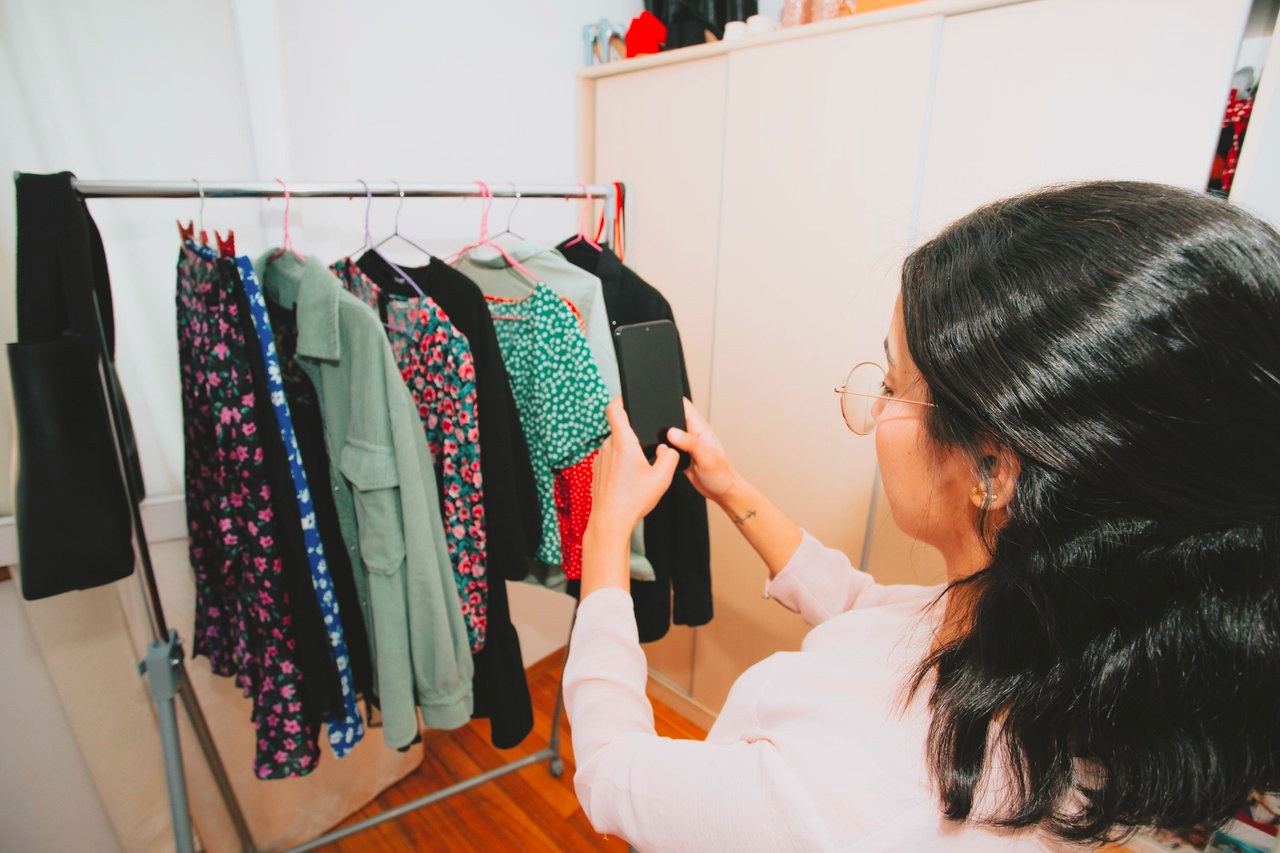
A shop owner photographing a rail of clothes on her phone
One inventory

In store and online share one inventory

Sell an item at the counter and your website knows it is gone. Products, stock and customers live in one place, so you stop counting twice.
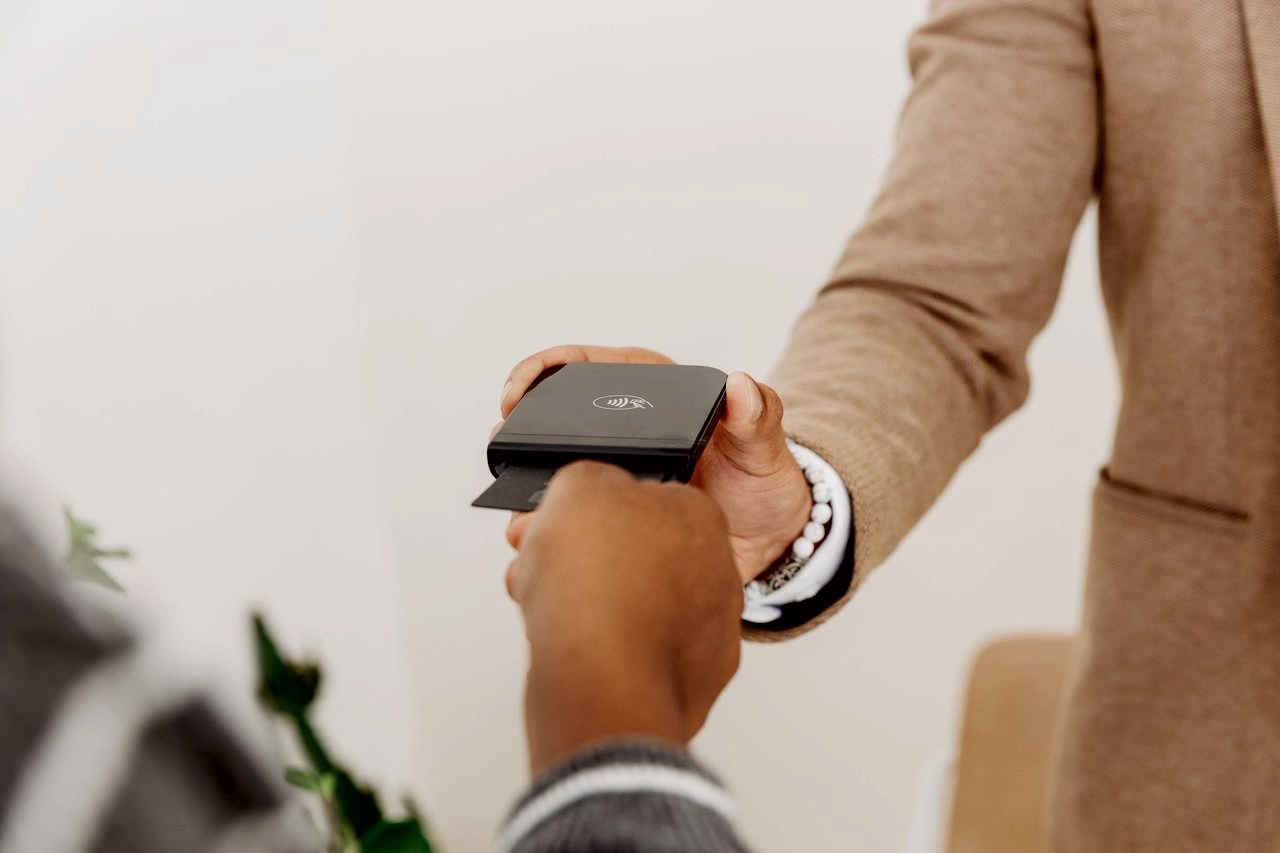
A customer inserts a card into a Shopify Tap and Chip Card Reader held out by a shop associate
At the counter

Take payments in person

Card readers and countertop terminals from Shopify POS, with tap, chip and phone wallets.

A hand typing on a laptop showing a small brand's online product page
Online

Your own online store

Sell for pickup or shipping from a store with your name on it, not a marketplace that owns the customer.

See it where you sell.

Pick the part of your business that matters most. We will show you that part on the demo.

A shop assistant tucking tissue into a gift bag at a boutique counter
A boutique counter

At the counter

The everyday checkout: ring up, take the card, print or email the receipt, and the sale lands in the same place as your online orders.

What you use
A countertop setup with POS Terminal, plus a scanner, cash drawer and receipt printer if you need them
From us
We send your account request to Shopify and stay your point of contact afterwards
See it on the demo

Every piece of Shopify hardware, in plain words.

You buy the hardware from Shopify. On the demo we go through which of these your business needs, so you only buy what you will use.


A Shopify POS countertop: a tablet on a stand, a card reader dock, a cash drawer and a receipt printer
A Shopify countertop: tablet stand, card reader dock, cash drawer and receipt printer
A barista scans a product at a Shopify POS counter
A barcode scanner at checkout

Take payments

  • POS TerminalA countertop card terminal with a screen facing your customer. Tap, chip and swipe.
  • Victa MobileA handheld that runs Shopify POS, takes payments and scans barcodes, then docks on the counter.
  • Tap & Chip Card ReaderA small reader that pairs with your phone or tablet.
  • Tap to Pay on iPhone and AndroidContactless payments on your phone, with nothing extra to buy.

Run the counter

  • Tablet standHolds the tablet that runs Shopify POS.
  • POS HubPlugs your printer, cash drawer and scanner into one place.
  • Receipt printersPrints the receipt at checkout.
  • Cash drawersOpens when a cash sale rings up.

Stock and shipping

  • Barcode scannersCorded, cordless and hands-free, for checkout and for counting new stock in.
  • Label printersBarcode labels for your shelves and shipping labels for online orders.

Shopify lists every device and its price at hardware.shopify.com.

For restaurants and cafes

Is Shopify right for a restaurant? An honest answer.

It depends on what you sell. Shopify is built around products, so it shines when part of your business looks like a shop.

A strong fit when you sell

  • A retail shelf: sauces, coffee beans, wine accessories, baked goods.
  • Merchandise like shirts, mugs and gift boxes.
  • Gift cards, in person and online.
  • Online orders for pickup or shipping.
  • Pop-ups, markets and events away from your location.

Worth a conversation first if you run

  • Full table service with coursing and seat numbers.
  • Kitchen tickets and order routing to several stations.
  • Tips split across front and back of house.

Bring this list to the demo. If another system fits your dining room better, we will tell you plainly. Vivid Commerce sets up other point of sale systems too, so the right answer never costs us the conversation.

Who qualifies

A quick check before the demo.

Shopify reviews every business before it opens a store. Tell us what you sell when you book and we will confirm before you spend any time on setup.

Eligibility
Where you areUS or Canada
Business reviewEvery business, by Shopify
Smoke shopsNot accepted
Not sure about yours?Ask us when you book
Book a demo

See Shopify on your own business.

Tell us about your business

A few details so the demo is about you, not a generic tour.

We reply to set a time

Vinny Pellegrini emails you from sales@ to book the demo.

Decide with the facts

You see it working, ask your questions and choose. No pressure either way.

Request a Shopify demo

Free, and about your business.

We reply from sales@hellovivid.com. By submitting you agree that Vivid Commerce may contact you by email or phone about Shopify. We use your details only to answer you and never sell them. See our Privacy Policy.

What owners ask before a demo.

Does the demo cost anything?

No. The demo is free and you decide afterwards whether Shopify is right for your business.

Is Shopify a good fit for a restaurant?

It is a strong fit when you sell products: a retail shelf, merchandise, packaged goods, gift cards or an online shop. If your business runs on table service and kitchen tickets, tell us on the demo and we will say plainly whether Shopify or another system fits better.

Do I need new hardware?

Usually some. Taking cards in person on Shopify uses Shopify's own card readers and countertop terminals. Which ones you need depends on your counter and how many people take payments, and we go through it on the demo.

What does Shopify cost?

Shopify publishes its plans and pricing on shopify.com. On the demo we help you pick the plan that matches how you sell, so you do not pay for features you will not use.

Which countries do you set up?

Businesses in the United States and Canada.

Can any business use Shopify?

Shopify reviews every business and some industries are not accepted, smoke shops for example. Tell us what you sell on the demo request and we will confirm before you spend any time on setup.

See it working on your business before you decide.

A short demo, your questions answered, and an honest read on whether Shopify fits.

Book a free demo